DWINER Tour — Features at a glance
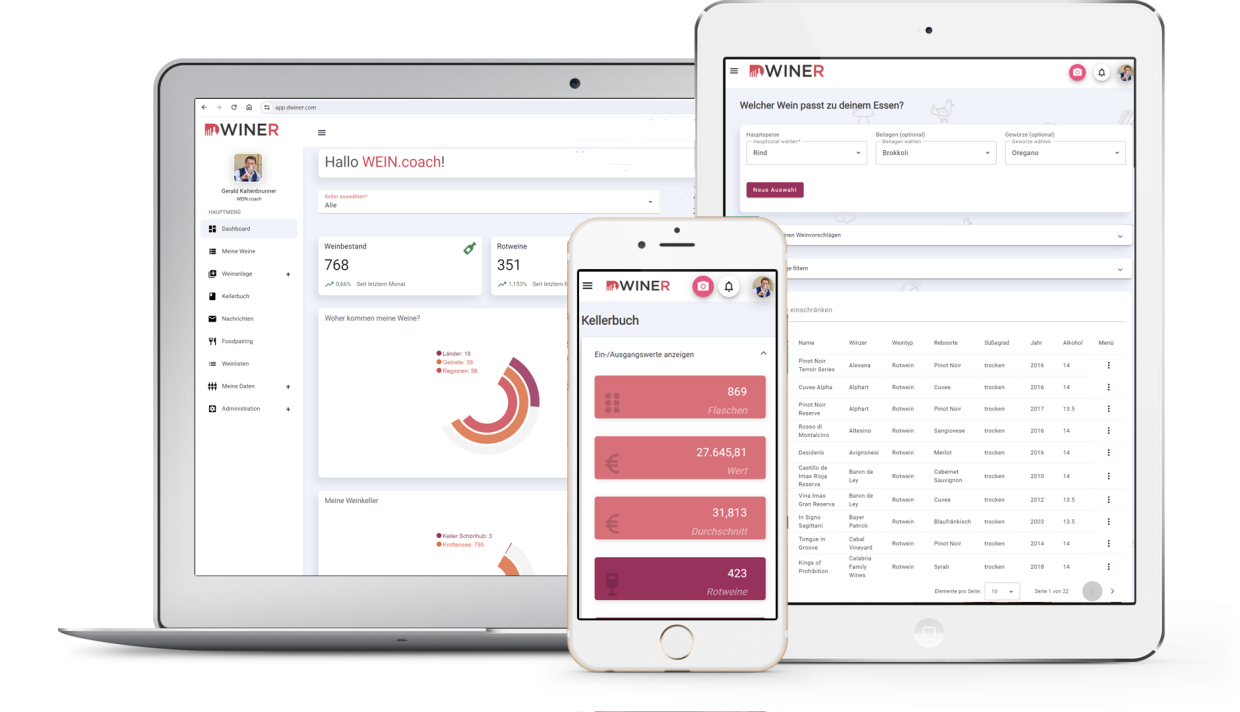
DWINER looks great on every device.
The same app on web, iPhone and Android — stock, movements and enjoyment in one place. Understood in 30 seconds, explained in full on this tour: from a dashboard you arrange yourself to scanner, cellar book, food pairing, lists and PDF export.
Your cellar at a glance — you decide what counts.
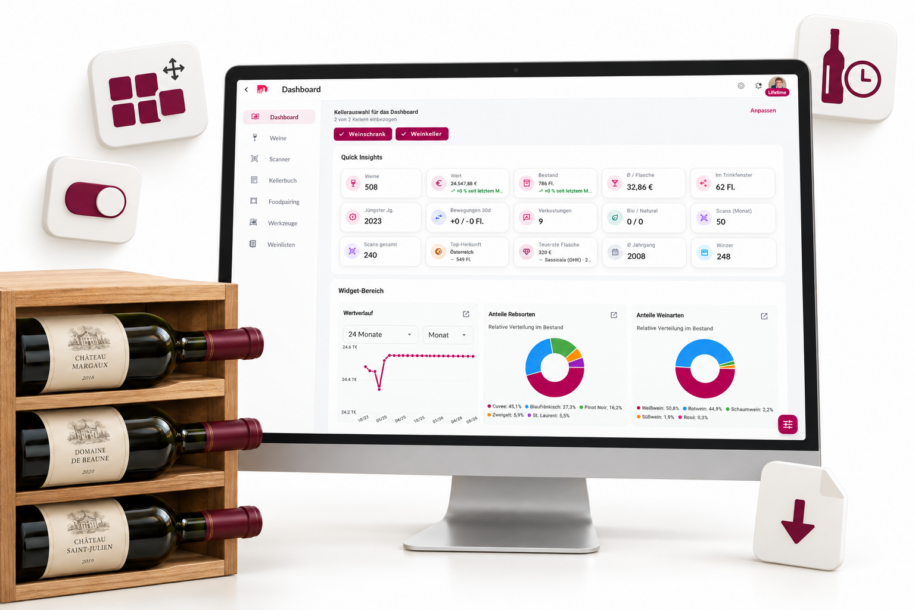
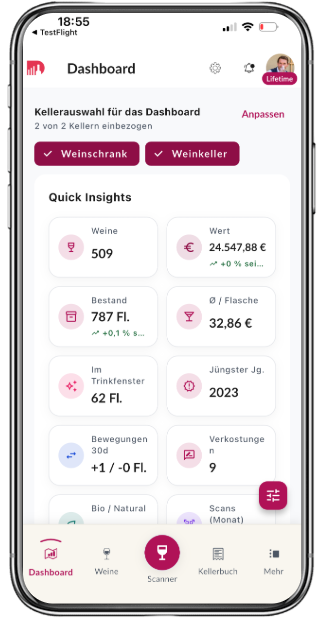
The dashboard is not a fixed home screen. You show or hide widgets, reorder them, and jump into a filtered wine list or export in one click. A private cellar and a vinotheque share the same building blocks — in the order that fits you.
• Widgets on demand: stock, total value, average per bottle, bottles in the drinking window, last-30-day movements, value trend.
• Vintages, tastings, organic/natural share, scans, top origin, most expensive bottle, producers — as tiles.
• Click from a KPI into filters, list or export so you stay in flow.
• Recommendation cards for wines that are ready to drink.
• Same view per overview and per storage location.
One label, several bottles, or a document — capture instead of typing.
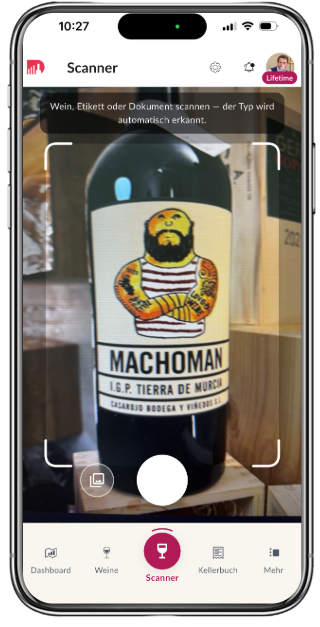
The scanner recognises what is in front of the camera: a label, several wines one after another, or a document (invoice, delivery note, OWC). You review the suggestions — then the wines sit in stock and in the cellar book. Existing bottles are matched so nothing is duplicated.
• One wine: photograph the label, check the data, choose a location, save.
• Several wines: batch session — bottle after bottle without leaving the flow.
• Documents: invoice or OWC with multiple lines in one pass.
• Match against your cellar: known wines are linked instead of created twice.
• Market price with sources on the result — in your display currency.
The whole collection — filterable, enrichable, exportable.
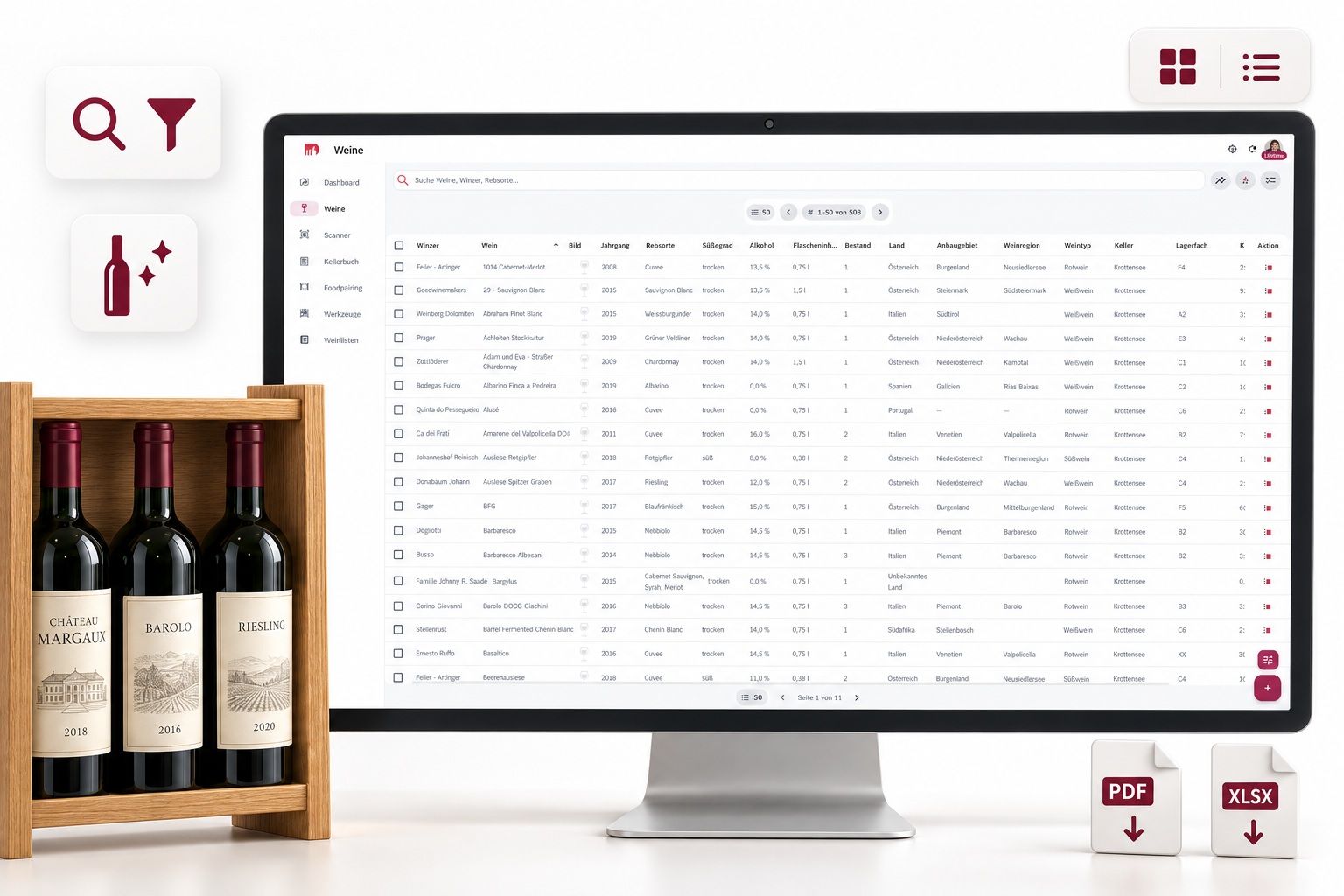
The wine list is the working surface for your stock: search, filters, gallery and stats. You find the bottle, see the market price in your currency, and can fill missing details without leaving the list.
• Filter and search by origin, vintage, producer, stock and flags.
• Gallery view and a compact list.
• Enrich details: AI fills gaps on your wine; you keep control.
• Market price in your profile currency, with sources.
• From the list into PDF or Excel for the visible rows.
Every movement stays traceable.
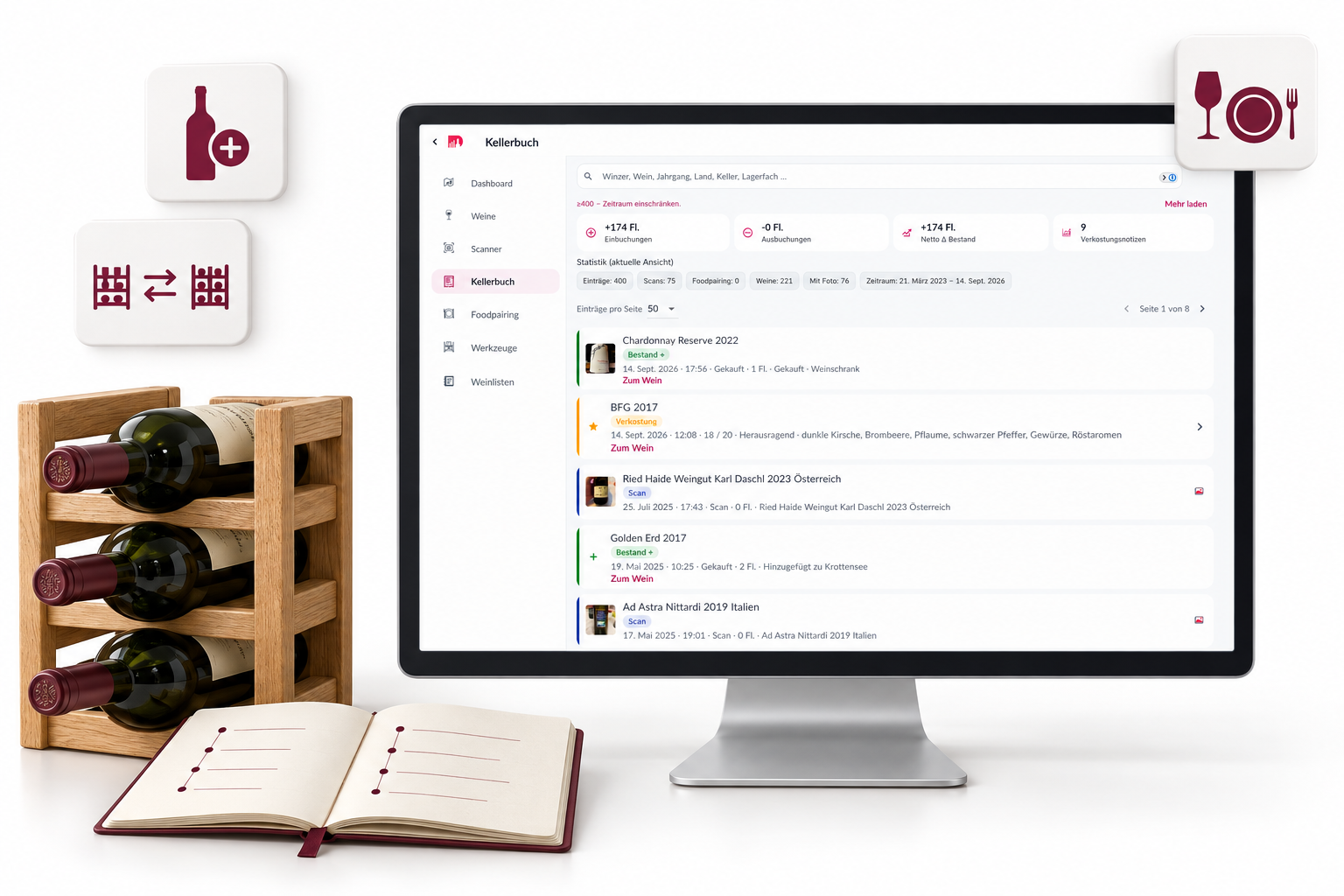
The cellar book is your cellar’s memory: inbound, outbound, transfers, scans and tastings. You see not only what is there today — but what changed, with a photo and a food-pairing link when you want one.
• In and out with quantity, cellar, reason and an optional photo.
• Transfers between bins and locations.
• Food-pairing link when you drink from the cellar.
• Stats for gains and losses — the same numbers as the dashboard.
• History on the wine and in the overview.
Producers, merchants and cellars — your world, plus the DWINER catalogue.
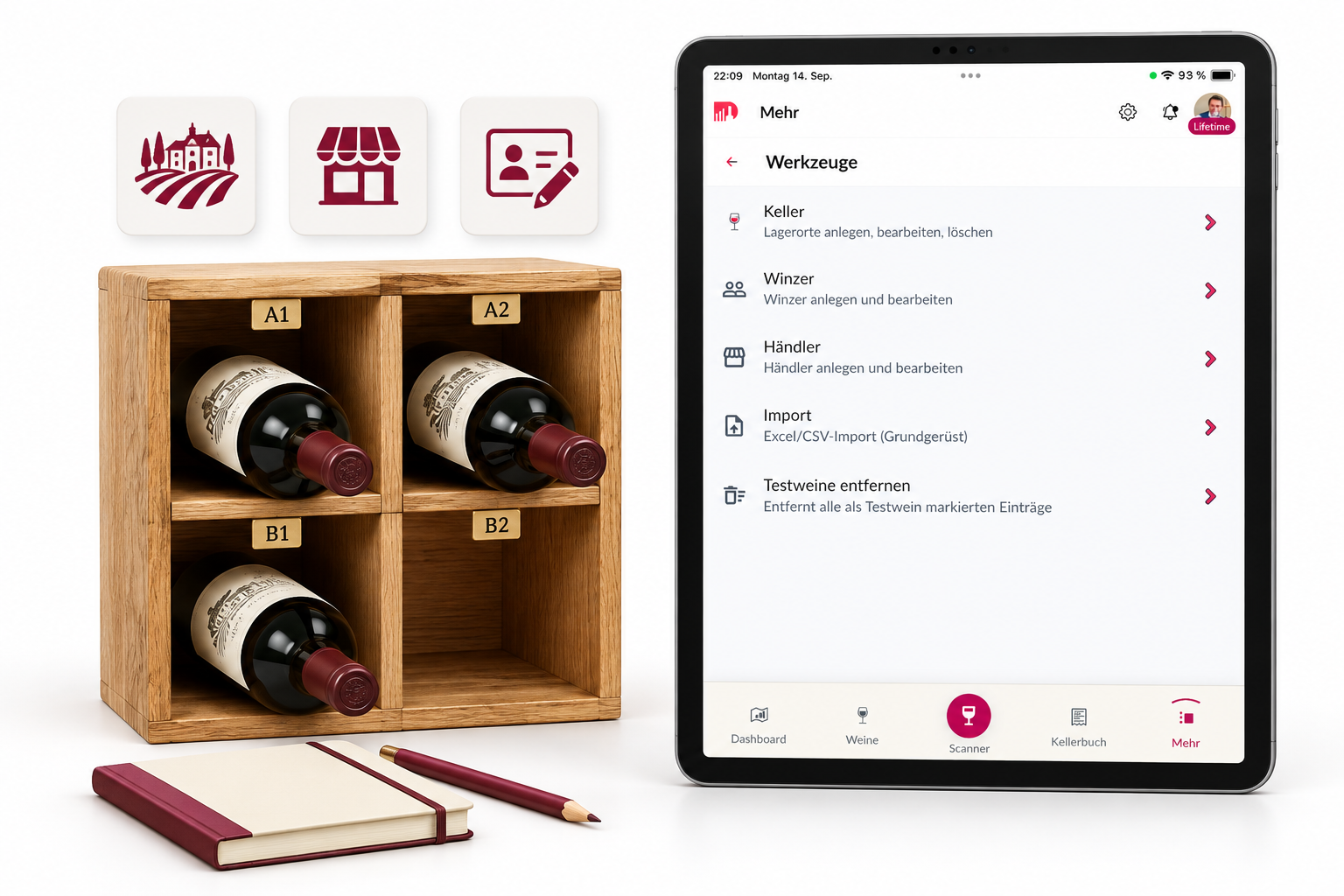
Master data is not a side menu. You maintain producers and merchants, create cellars with bins, and transfer stock. Your own rows stay yours — the DWINER catalogue offers templates without overwriting your notes.
• Producers: My view and the full DWINER catalogue as a template.
• Personal fields stay with you; catalogue fields are not silently overwritten.
• Merchants the same way: your addresses and purchase history.
• Cellars including bins; transfers stay visible in the cellar book.
• Search and filters like the wine list.
Excel or CSV — mapping, preview, then stock.
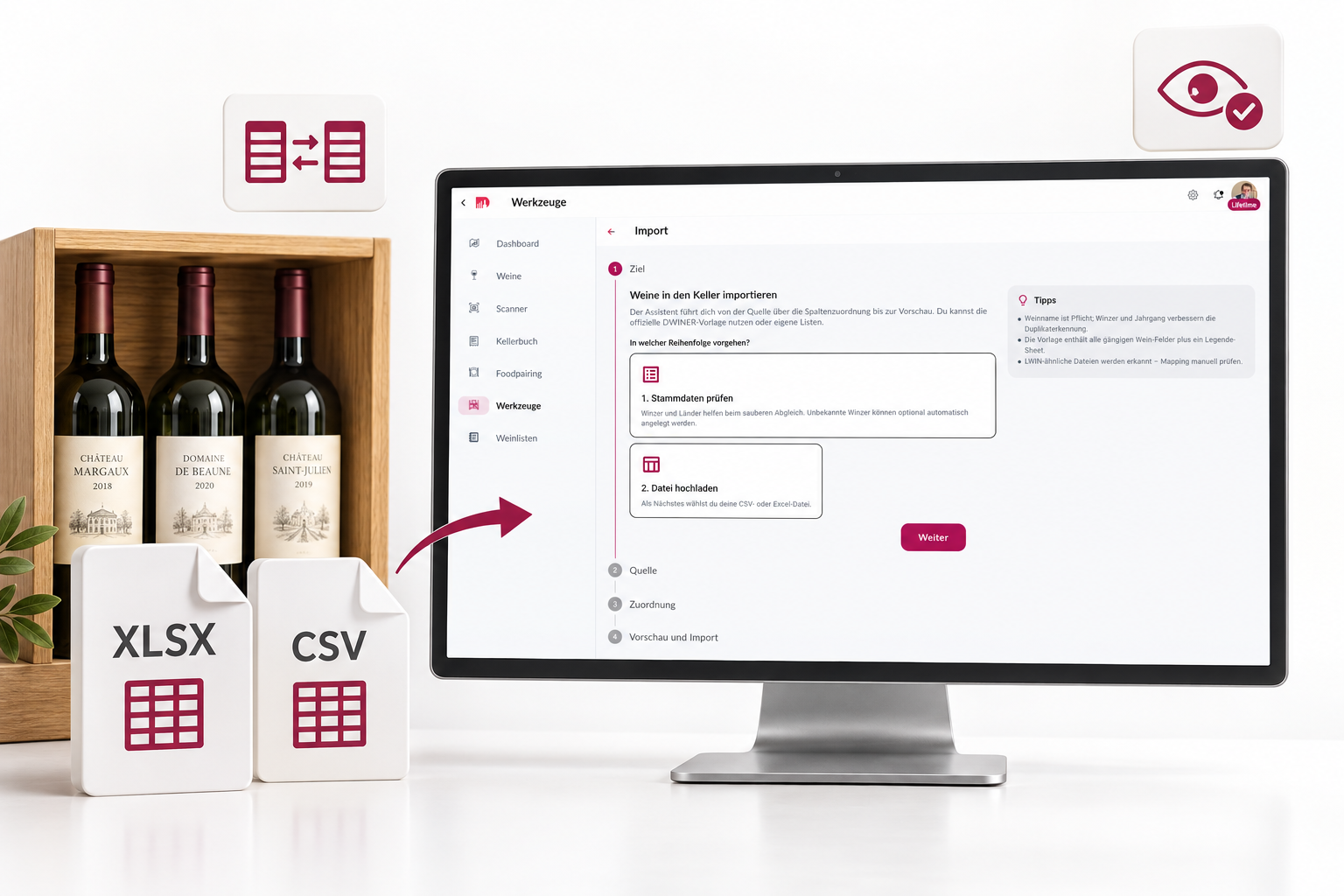
You do not have to retype the cellar bottle by bottle. The import assistant reads Excel or CSV, recognises typical columns, lets you map them, and shows a preview before anything is written. Plan limits apply: Free stays at 50 wines.
• Step-by-step: file, sheet, mapping, preview, import.
• Detection of common templates — mapping stays editable.
• Validation before write in the preview.
• Sample file to download, including a field legend.
• On every plan; Free still respects the 50-wine limit.
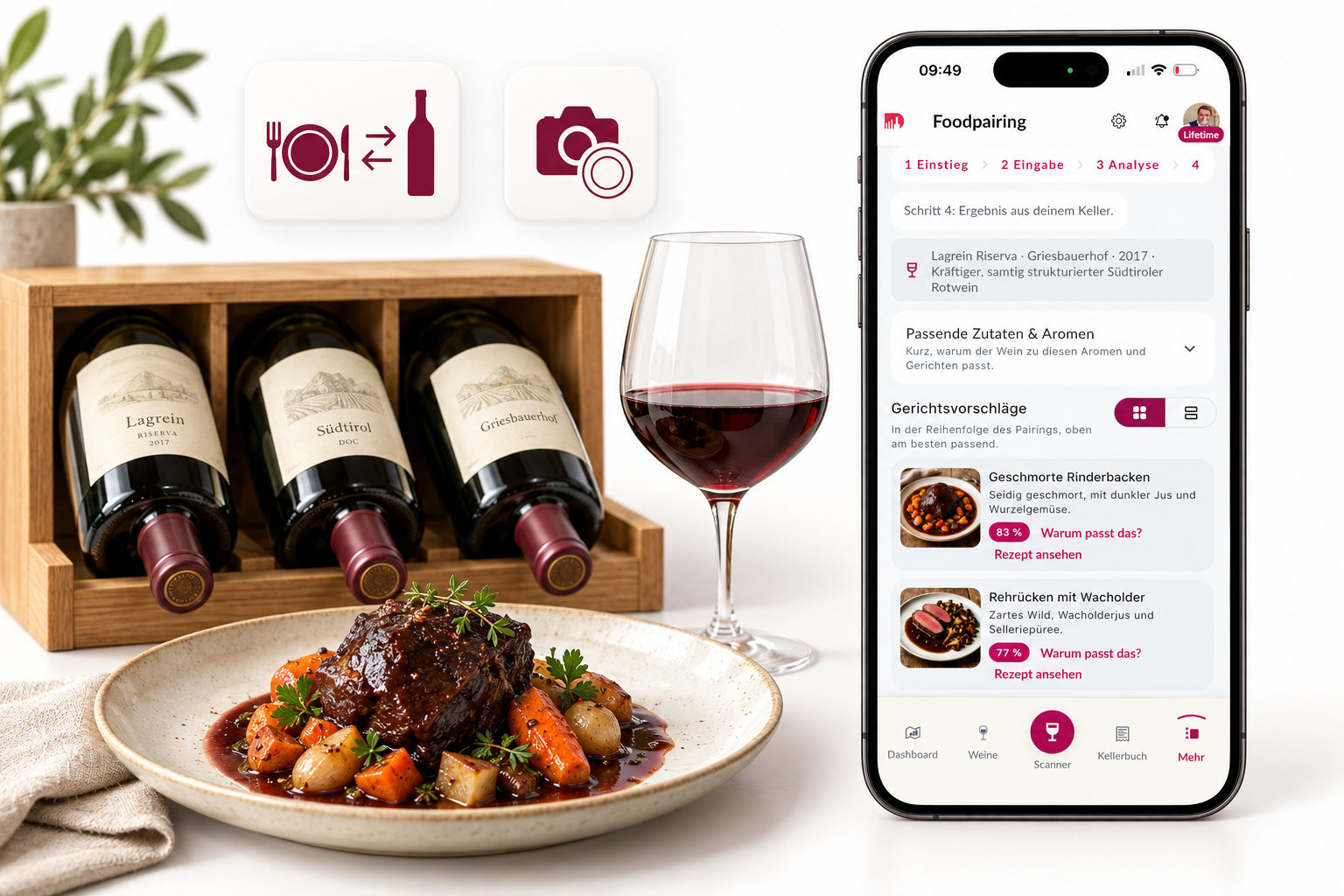
Wine for the dish — or a dish for the wine. Always from your cellar.
Food pairing in DWINER does not use a random internet wine list. You describe a dish or pick a bottle — suggestions come from the stock you actually have. Food builder, free text, or a photo of the plate.
• Food → wine: capture the dish, matching bottles from the cellar.
• Wine → food: pick or scan a wine — dish ideas that fit.
• Food builder, free text or food scan.
• Result filters (cellar, bin, list, origin, wine type).
• The source is always your stock.
Lists for a tasting, a sale, or Saturday night — in your order.
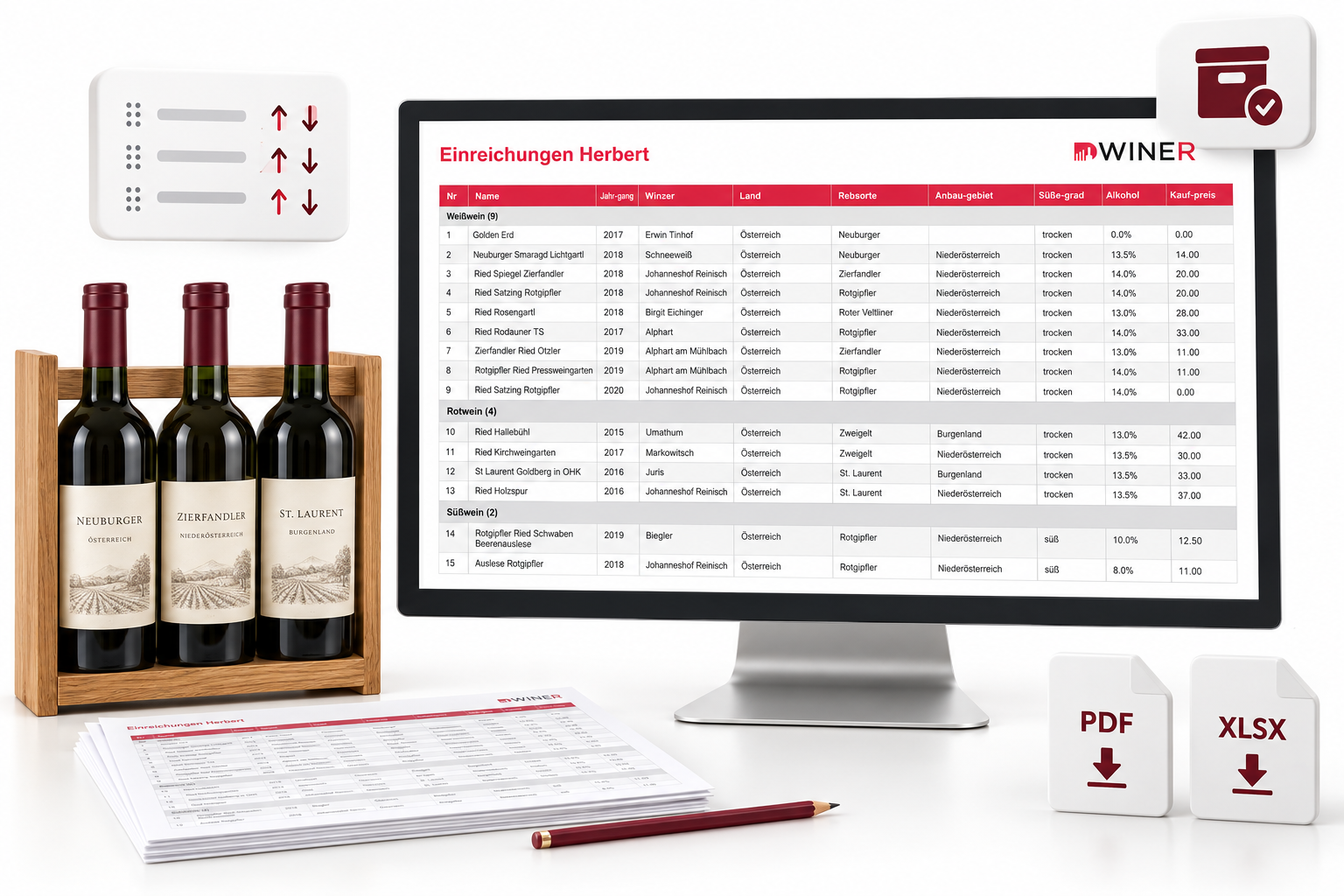
Wine and tasting lists are unlimited in number (independent of plan). You group, drag wines into the order you want, archive special lists, and export them as PDF or Excel.
• As many lists as you need: tasting, sale, gift, inventory.
• Drag-and-drop for order; optional grouping by wine type.
• Notes and a completed status.
• Archive for lists you keep but do not open every day.
• Export with columns and design from the PDF editor.
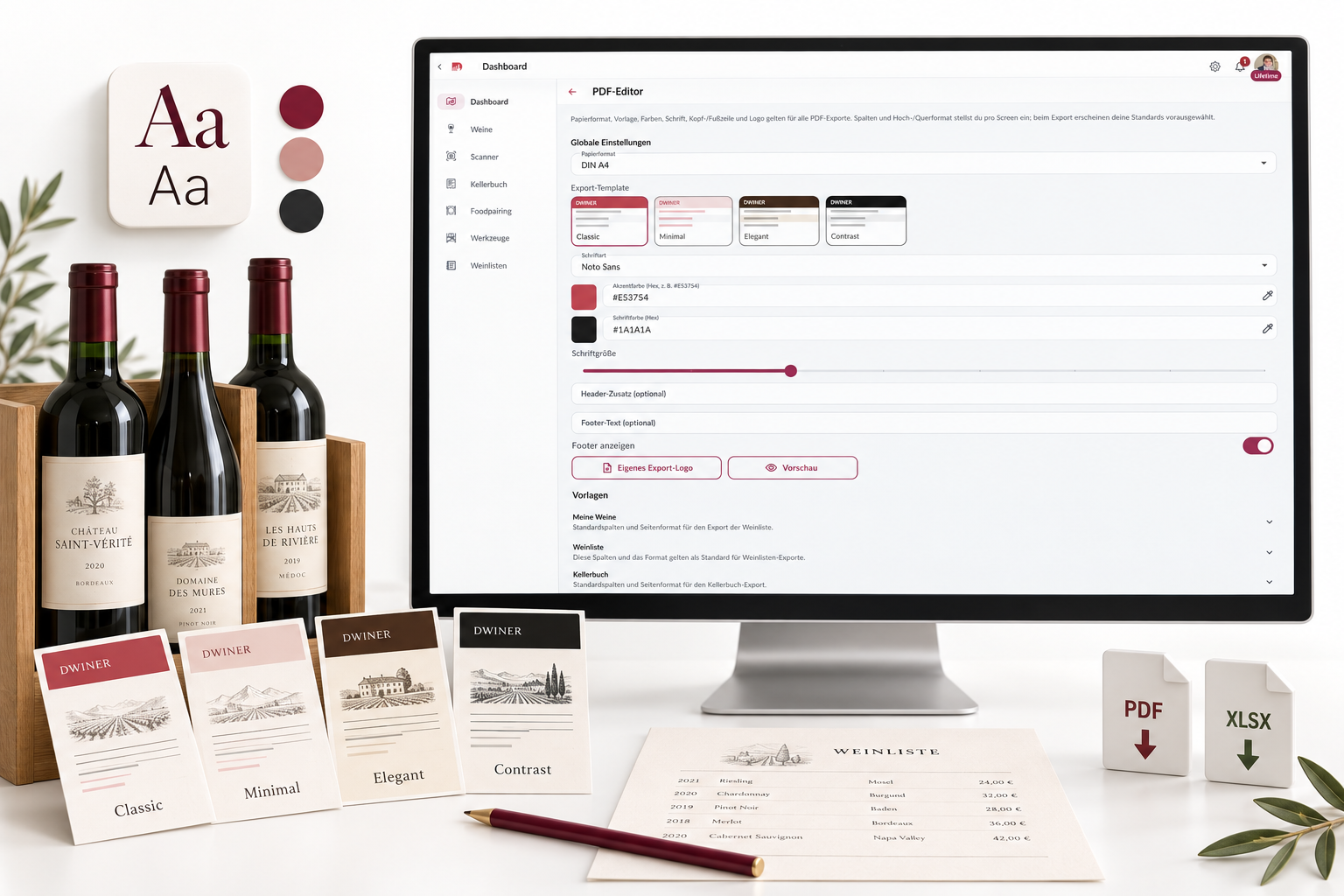
The cellar becomes a document that looks like you.
Export is not an afterthought. You choose columns, paper size and orientation — and in the PDF editor (Premium and Exclusive) template, typeface, colours and logo. The same language for wines, lists, cellar book, producers, merchants and cellars.
• Templates as cards: Classic, Minimal, Elegant, Contrast.
• Typefaces, accent and text colour, header and footer.
• Your own logo on paid plans; Free uses the DWINER logo and Classic.
• Export wines, lists, cellar book, producers, merchants and cellars — PDF and Excel.
• Preview in the editor before you generate the file.
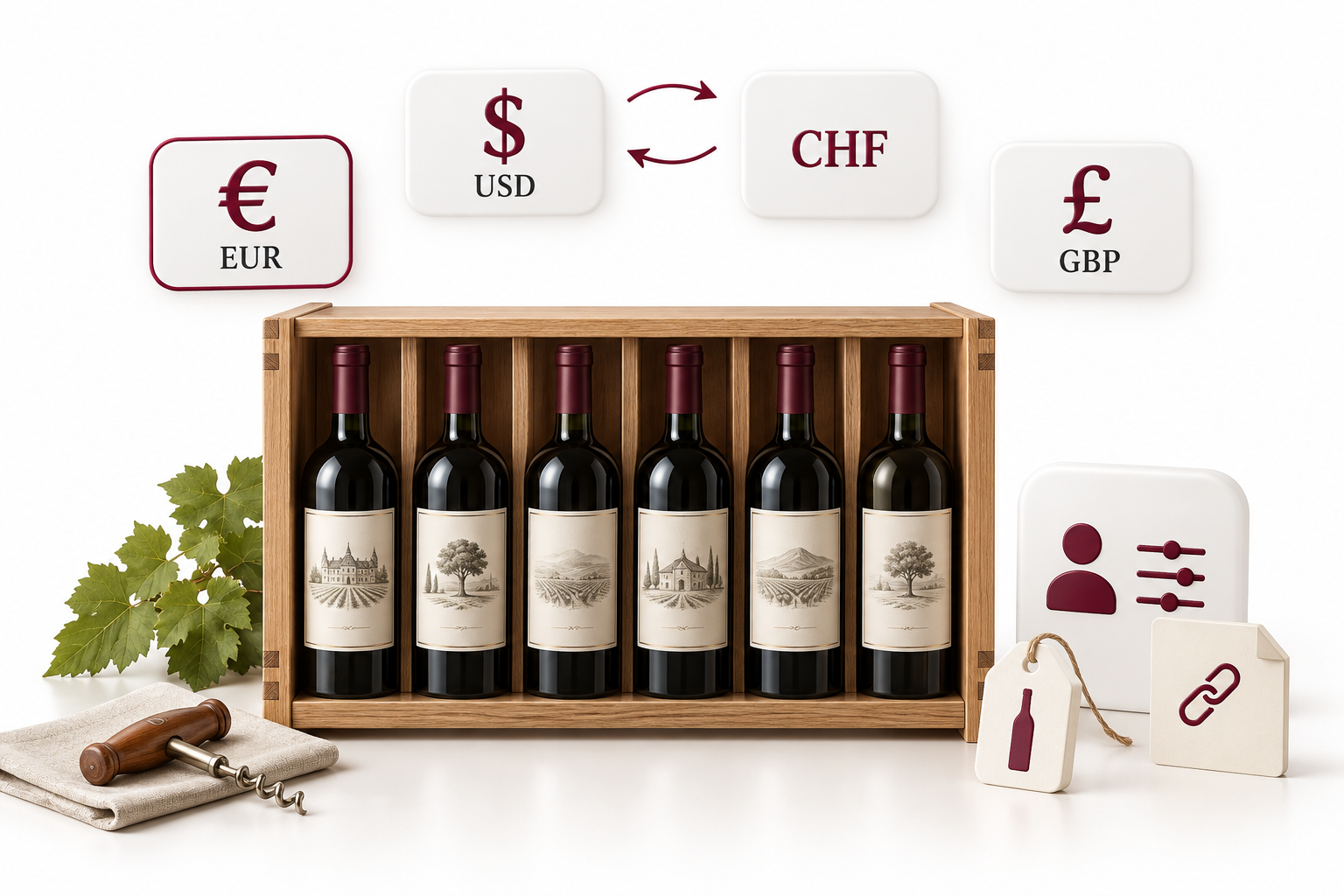
EUR, USD, CHF or GBP — numbers in your language.
You choose the display currency in your profile. Stock values, averages and market prices appear in euro, US dollar, Swiss franc or pound. The converter keeps the display consistent; source rows on a market price keep their original currency.
• Four currencies: EUR, USD, CHF, GBP.
• Market prices and dashboard values in the display currency.
• When you switch: change the label only, or convert amounts.
• Market-price sources stay traceable.
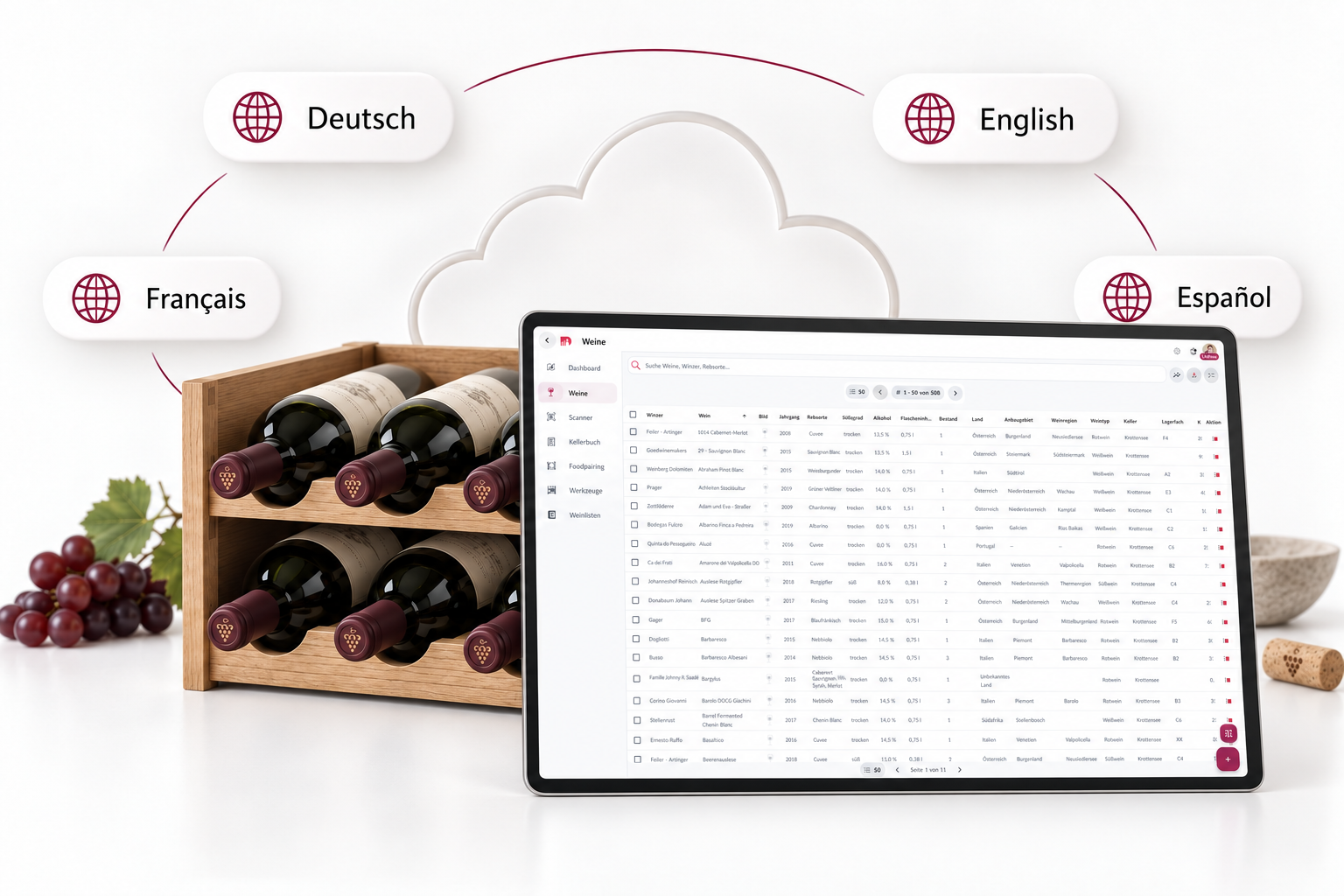
German, English, French, Spanish — more planned.
DWINER speaks the language you run the cellar in. The interface and many detail texts follow the language you choose. More languages are planned — without asking you to recreate the stock.
• Available: Deutsch, English, Français, Español.
• The same cloud, the same collection — only the interface changes.
• Further languages on the roadmap; the cellar is not affected.
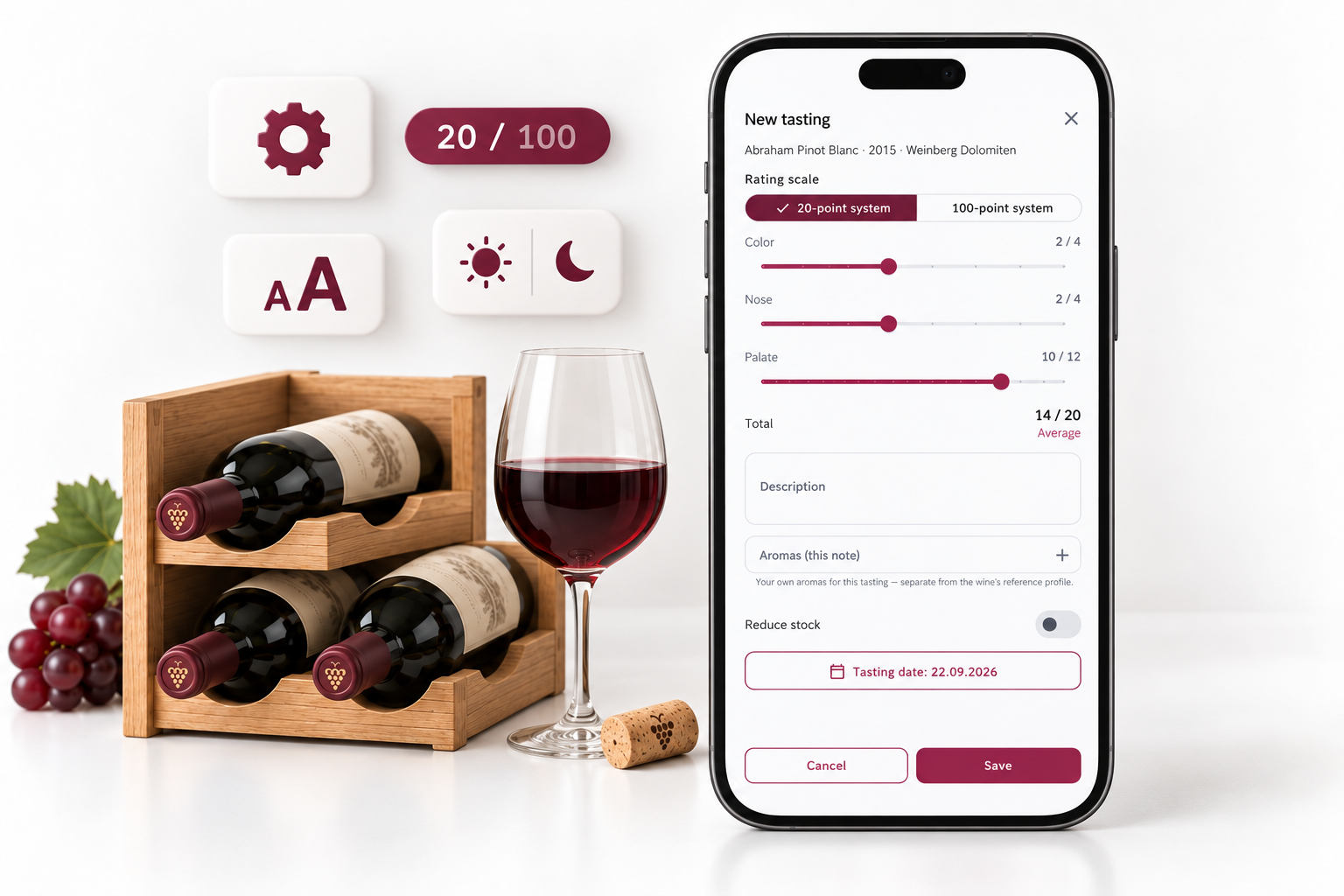
Scoring, defaults, readability, design — set once, apply everywhere.
Settings are the quiet part of the app: how you create wines, how you score, how large the type is, and light or dark mode. No hidden switches across ten menus.
• Scoring: 20 or 100 points.
• Creation defaults for recurring values.
• Readability: standard, larger, extra large.
• Design: light, dark or system.
• PDF editor, currency, language and subscription in the same hub.
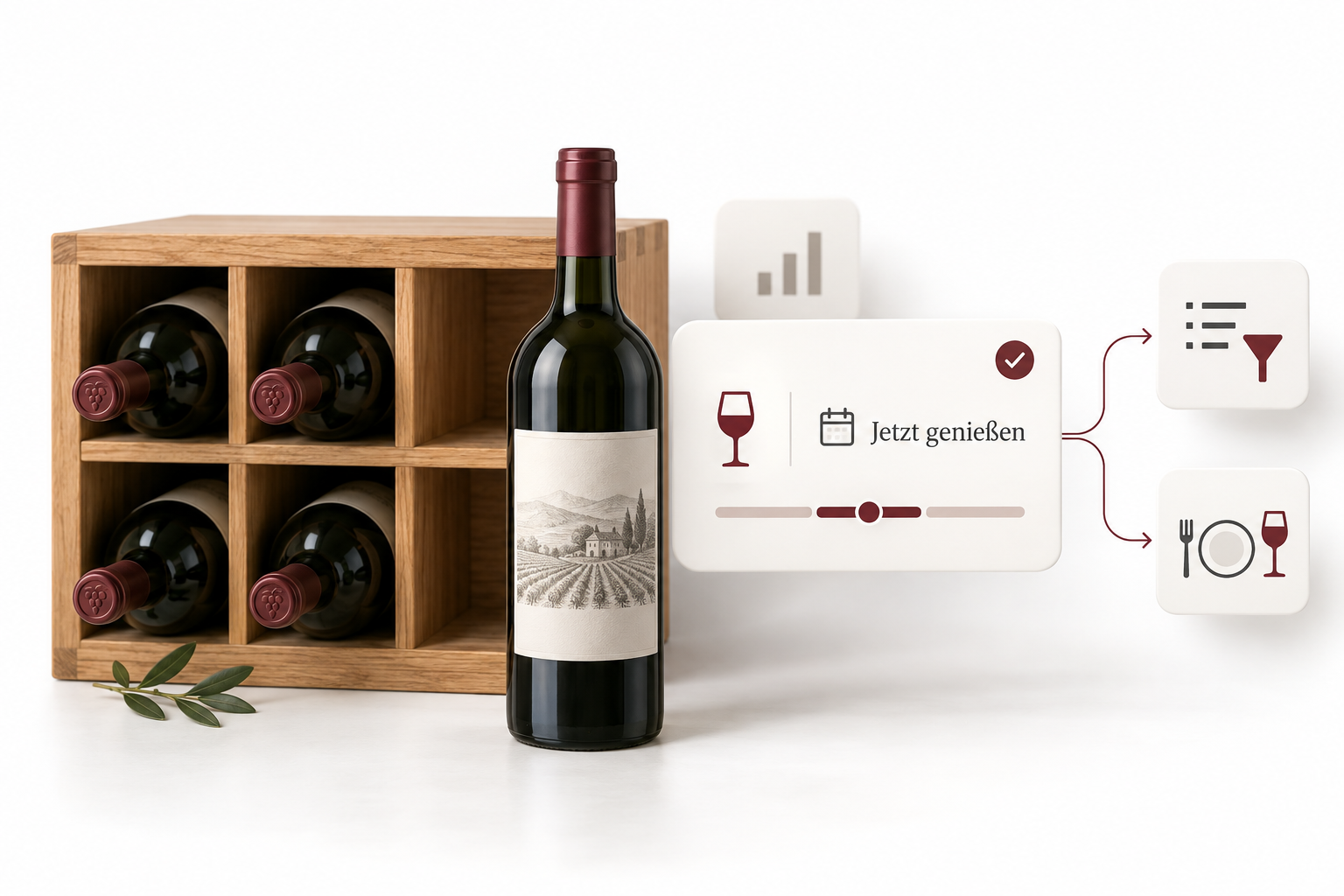
What is ready to drink — from the dashboard to the bottle.
Recommendations are not someone else’s ranking. They come from your drinking window and the insights on the dashboard. A tip deep-links to a filtered list or the wine — not into a chat.
• Cards for wines in the drinking window, right on the dashboard.
• Insights use the same targets as the KPIs.
• Deep links into filters, a wine or food pairing.
• No generative sommelier chat: the tip stays tied to your cellar.
Your cellar, your account — without overselling.
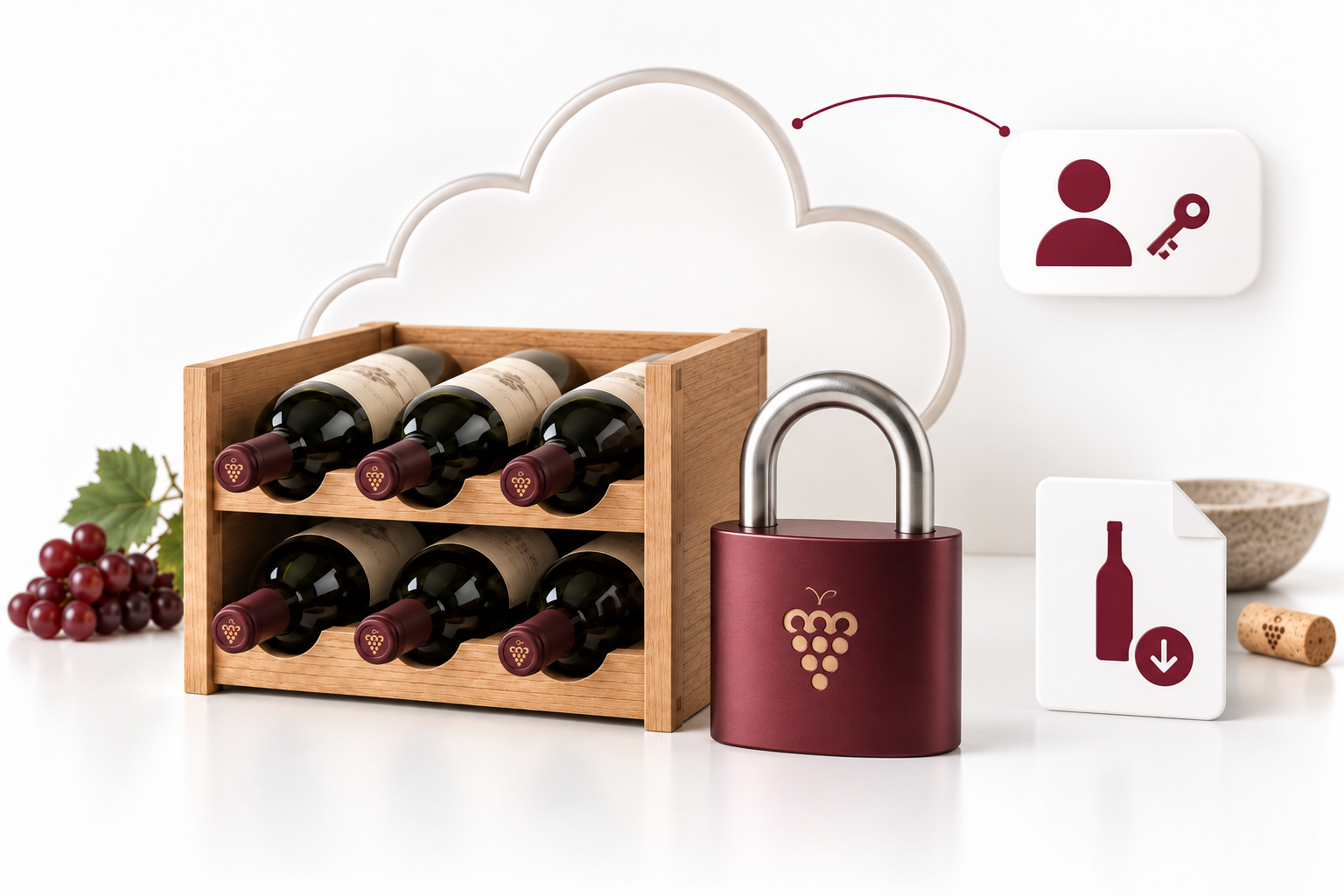
We say clearly what is there — and what is not. Sign in with email and password or Google. Data lives in the cloud, but every row is bound to your account. The site and the app use HTTPS. Exports contain only your cellar.
• Sign-in: email/password or Google.
• Data for you only: row-level security.
• Encrypted connection (HTTPS).
• Exports only from your stock and your lists.
• Company seat in Austria, GDPR including delete account.
Web, iOS, Android — one cloud, one cellar.
DWINER is one app, not three products. You start in the browser, scan on an iPhone, and check stock on an Android tablet in the evening. The same data, the same account.
• Web: full use in the browser, including import and export.
• iOS and Android: camera scanner, push, the same navigation.
• One cloud: no USB sync.
• Store badges plus Try for free in the browser.
DWINER in 30 seconds.
Label scan in 20–45 seconds — video slot scanner-flow.mp4 (placeholder until the capture is ready).